
Table of contents
- 01What Is Cybersecurity Awareness?
- 02Why Non-Technical Employees Play an Important Security Role
- 03How to Recognise Phishing Emails
- 04Business Email Compromise
- 05Passwords, Passphrases and Password Managers
- 06Multi-Factor Authentication
- 07Safe Handling of Business Information
- 08Remote Work and Mobile Device Security
- 09Social Engineering Beyond Email
- 10What Employees Should Do After Making a Mistake
- 11How Managers Can Build a Positive Security Culture
- 12A Practical Security Awareness Program
- 13How to Measure Security Awareness
- 14Employee Cybersecurity Checklist
What Is Cybersecurity Awareness?
Cybersecurity awareness is the ongoing capability of a workforce to recognise common threats, use business systems safely and report suspicious activity quickly. It is not a certificate on the wall. It is a combination of training, workflow design and culture that reduces the chance of a common attack succeeding and increases the chance that any incident is detected and reported early.
Why Non-Technical Employees Play an Important Security Role
Almost every serious attack on a Sydney SME touches an employee at some point. That does not mean employees are the problem. It means they are on the front line whether the business acknowledges it or not. The right response is not to blame them for missing an increasingly sophisticated attack. It is to give them practical training, systems that make the safe choice the easy choice, and a clear, non-punitive way to report anything that looks wrong.
How to Recognise Phishing Emails
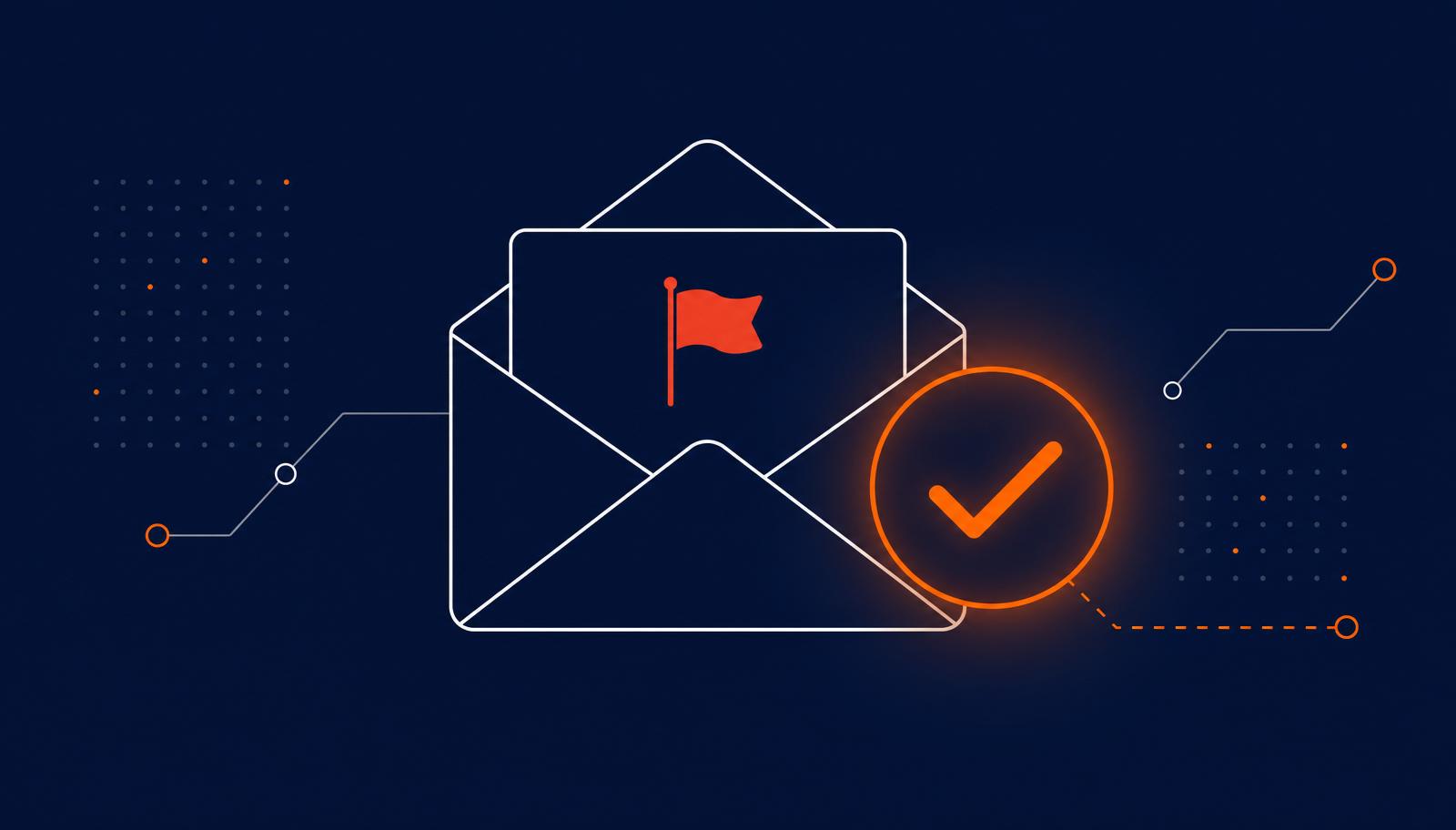
The traditional advice of watching for typos and dubious grammar is outdated. Modern phishing is often well written, brand-accurate and contextually plausible. Better guidance focuses on behavioural cues rather than surface presentation.
- Urgency or emotional pressure to act quickly.
- Unexpected payment requests or invoices you were not anticipating.
- Changed bank details from a supplier or contractor.
- Suspicious login requests that appear out of context.
- Unusual attachments, especially file types you rarely receive from that sender.
- Lookalike domains where a single character differs from the legitimate address.
- QR-code phishing in emails or printed material asking you to sign in.
- Executive impersonation requesting confidentiality or an unusual action.
Business Email Compromise
The lesson is that verifying changes to payment details over a separate channel is a control, not paranoia. It should be a standard step in every accounts payable process, not a favour asked of finance when they are already busy.
Passwords, Passphrases and Password Managers
The current good-practice guidance is straightforward. Every account should have a long, unique password. Long is more useful than short and complex. Passphrases made of unrelated words are both memorable and strong. A password manager makes this practical at scale by generating and remembering unique credentials for every account. Reusing passwords, even sophisticated ones, is the single most common way accounts are compromised outside phishing.
Multi-Factor Authentication
- Why it matters. MFA stops a stolen password alone from being enough to sign in.
- Unexpected approval prompts should always be denied. Approving a prompt you did not initiate hands access to an attacker.
- MFA fatigue is when attackers deliberately trigger repeated prompts hoping you will approve one to make them stop.
- Report suspicious prompts to your IT team even if you denied them. They contain useful signal about active attempts.
Safe Handling of Business Information
- Use business email accounts for business communication, not personal accounts.
- Share files using the business's approved cloud platform rather than personal storage.
- Check the recipient list before sending, especially when auto-complete suggests a name.
- Print sparingly, and collect from shared printers promptly.
- Lock screens when leaving your desk, even briefly.
Remote Work and Mobile Device Security
- Prefer trusted networks over public Wi-Fi for sensitive tasks.
- Keep operating systems, browsers and business apps up to date.
- Use screen privacy in public spaces where over-the-shoulder viewing is possible.
- Report lost or stolen devices immediately, even if it feels embarrassing.
What Employees Should Do After Making a Mistake
The most important message to reinforce is that hiding a mistake is much worse than making it. Speed of reporting is what makes containment possible. A clicked link reported in ten minutes gives the response team a real chance to prevent harm. The same click, reported the next morning, is a very different situation. A workplace culture that treats prompt reporting as a positive act is more effective than any single technical control.
How Managers Can Build a Positive Security Culture
- Model the behaviour: leadership uses MFA, reports suspicious emails and follows the same rules as everyone else.
- Keep policies short, clear and current.
- Thank people for reporting, including false alarms.
- Discuss real incidents from the industry as learning material, not scare stories.
- Make the reporting path obvious and low-friction.
A Practical Security Awareness Program
A structured 12-month program is achievable in any Sydney SME. The following example reflects what we see work in practice.
- Short monthly lessons of 10 to 15 minutes on a single practical topic.
- Realistic phishing simulations run quarterly with same-day debrief.
- New-starter training completed within the first week of employment.
- Annual acknowledgement of the acceptable-use policy.
- Two incident exercises per year with the leadership team.
- Refresher training on identity, phishing and reporting each year.
How to Measure Security Awareness
- Training completion rates across teams.
- Reporting rates for suspicious messages, including false positives.
- Simulation results viewed over time, not as a single number.
- Repeat-risk behaviour identified through simulations and coaching.
- Time to report for incidents, from event to first report.
- Employee feedback on training clarity and practical usefulness.
Phishing simulation click rates alone are not a complete measure. A team with a low click rate that never reports anything is not necessarily well trained. It may just be quiet. Reporting rate is often the more useful indicator of maturity.
Employee Cybersecurity Checklist
For every employee
- Use a unique password for every business account.
- Store passwords in the approved password manager.
- Approve MFA prompts only when you initiated the sign-in.
- Verify any change to payment details on a known phone number.
- Pause before acting on urgent or emotional requests.
- Share files through approved cloud tools, not personal accounts.
- Lock your screen when you step away.
- Keep laptops, phones and browsers up to date.
- Report suspicious messages immediately, even if unsure.
- Tell IT if you think you have clicked, entered credentials or approved a prompt in error.
For the broader context that makes this training effective, see Cybersecurity risks facing Sydney SMEs and Why Microsoft 365 configuration matters.
Talk to us
Not sure where your business stands?
Book a free 30-minute conversation with our team. We will listen, ask questions and point you at the practical next steps for your environment.
Frequently Asked Questions
How often should employees receive cybersecurity training?+
What should staff do after clicking a suspicious link?+
Are phishing simulations useful?+
What should cybersecurity awareness training cover?+
How can businesses avoid blaming employees?+
Does security awareness training prevent every cyber incident?+
Official Resources and Further Reading
- Small Business Cyber Security Guide - Australian Cyber Security Centre
- Recognising and reporting phishing - Australian Cyber Security Centre
- ReportCyber - Australian Cyber Security Centre
- Multi-factor authentication guidance - Australian Cyber Security Centre

About the author
Ronit Raj Sriwastav
IT Manager, AA Network Technologies
Ronit Raj Sriwastav is an ICT consultant, trainer and technology business leader with experience across managed IT services, cybersecurity, Microsoft environments, systems engineering, business operations, technology projects and digital transformation.
Read Ronit's Message
Social Engineering Beyond Email
Not every attack arrives by email. Phone calls impersonating IT support, SMS messages pretending to be delivery services, social media messages from fake recruiters and in-person visits from people who claim to be there for maintenance all follow the same pattern. They rely on assumed authority, plausible context and pressure to act.
Verify unusual requests through a known channel. It is entirely appropriate to say, in a friendly tone, that you will call the person back on their listed number to confirm before proceeding.