Table of contents
- 01What Is the 3-2-1 Backup Model?
- 02Why One Backup Is Not Enough
- 03What Is the Difference Between Backup, Disaster Recovery and Business Continuity?
- 04What Business Data Should Be Protected?
- 05Is Cloud Storage the Same as Backup?
- 06Microsoft 365 Backup Considerations
- 07Recovery Point Objective and Recovery Time Objective
- 08Immutable and Offline Backup Copies
- 09The Extended 3-2-1-1-0 Approach
- 10Why Backup Testing Matters
- 11A Practical Business Continuity Plan
- 12Common Backup Mistakes
- 13Business Backup Checklist
What Is the 3-2-1 Backup Model?
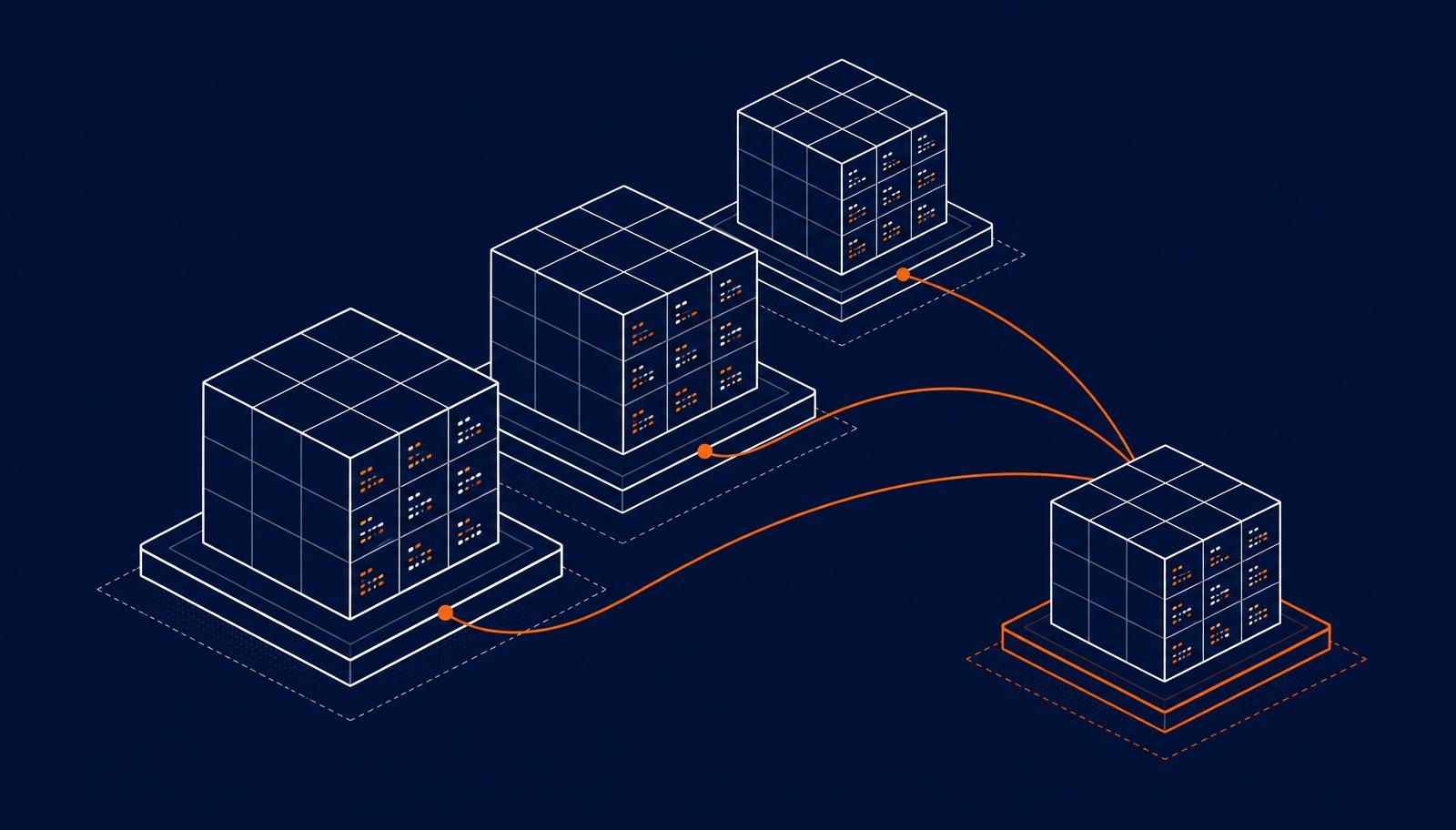
The 3-2-1 backup model requires three copies of important data, held on two different types of storage, with at least one copy stored offsite. The production data itself counts as one of the three copies. The purpose is to reduce the probability that a single event, such as hardware failure, ransomware or a physical incident, destroys every copy simultaneously.
- Three copies of the data, including the live production copy.
- Two different storage types, so a single technology failure cannot destroy every copy.
- One offsite copy, so a physical or environmental event at the primary location does not affect it.
Why One Backup Is Not Enough
A single backup is a single point of failure. It can be affected by hardware failure on the storage device it lives on, by ransomware that reaches the network share it sits on, by accidental deletion, by misconfiguration during a change, or by theft or fire at the same physical location. Multiple copies across different storage types and locations address each of those failure modes independently.
What Is the Difference Between Backup, Disaster Recovery and Business Continuity?
| Concept | Focus | Typical scope |
|---|---|---|
| Backup | Recoverable copies of data | Files, mailboxes, databases, configurations |
| Disaster recovery | Restoring systems after a major failure | Servers, applications, network, restore procedures |
| Business continuity | Keeping the business operating during and after disruption | People, communication, workspaces, suppliers, decisions |
What Business Data Should Be Protected?
- Microsoft 365 data across Exchange Online, OneDrive, SharePoint and Teams.
- File servers, network shares and archive locations.
- Cloud applications used by the business, especially those holding customer records.
- Databases behind line-of-business applications.
- Employee laptops and any workstation with local data.
- Business systems configuration, including firewall rules and identity settings.
- Website content, application code and any related deployment configuration.
Is Cloud Storage the Same as Backup?
No. Cloud storage services such as OneDrive, Google Drive or Dropbox synchronise files across devices. That is not the same as backup. If a file is deleted or corrupted, the change is synchronised to the cloud copy. Recycle bins and version history mitigate this to some extent, but they are limited in scope and duration and are not designed as a comprehensive recovery mechanism. A separate backup, held in a different system with its own retention rules, is what makes recovery reliable.
Microsoft 365 Backup Considerations
Microsoft is responsible for the availability of the Microsoft 365 service and for protecting its own infrastructure. Customers are responsible for the data they create in that service. Native features such as recycle bins, version history and retention policies protect against many everyday scenarios, but they do not replace an independent backup for scenarios such as accidental site deletion, long-term retention beyond native limits, or ransomware that reaches synced files.
For the wider Microsoft 365 posture that backup fits inside, see Why Microsoft 365 configuration matters for business security.
Recovery Point Objective and Recovery Time Objective
Recovery Point Objective describes the maximum amount of data the business can accept losing. If a system is backed up every four hours and fails immediately before the next backup, the RPO for that system is up to four hours of work. Recovery Time Objective describes the maximum amount of time the business can accept a system being unavailable while it is being restored.
Immutable and Offline Backup Copies
Ransomware groups actively target backup infrastructure. An immutable backup copy cannot be modified or deleted within a defined retention window, even by an administrator. An offline copy is disconnected from the production network for most of its life. Either mechanism significantly increases the probability that a business can recover from ransomware without paying, provided the copy predates the encryption event.
The Extended 3-2-1-1-0 Approach
The 3-2-1-1-0 extension adds one offline or immutable copy to the three-two-one baseline, and requires zero unresolved errors following verification of the backup. It reflects the reality that a backup with errors is not really a backup, and that offline or immutable copies are now a common expectation rather than an advanced control. The extension does not replace risk assessment. It complements it.
Why Backup Testing Matters
A successful backup job proves that data was copied. It does not prove that the copy can be restored, that the restored data is usable, or that dependent systems will function once restored. Regular restore testing is the only way to confirm that. A small, structured restore test each quarter is more valuable than an exhaustive test that never happens because it is too big to schedule.
A Practical Business Continuity Plan
- Critical systems ranked by how quickly the business needs them back.
- Responsible people for each system, including a nominated backup contact.
- Communication plan covering staff, clients and suppliers during an incident.
- Recovery priorities so the order of restoration is decided in advance.
- Supplier contacts including account numbers and after-hours support paths.
- Alternative working arrangements for premises loss or network outage.
- Restoration process documented in enough detail that it does not rely on memory.
- Testing schedule for both technical restores and communication rehearsals.
Common Backup Mistakes
| Issue | Consequence | Corrective action |
|---|---|---|
| Backups run but no one reviews the results | Silent failures accumulate for months | Assign daily review of backup status to a named owner |
| All copies live on the same network | Ransomware can reach every copy simultaneously | Add an immutable or offline copy outside the production network |
| Microsoft 365 not backed up independently | Limited recovery options after accidental or malicious deletion | Deploy an independent Microsoft 365 backup with tested restore |
| Restores never tested | Recovery capability is unknown until an incident | Schedule quarterly restore tests and document the outcome |
| Retention set too short for compliance needs | Historical data is lost before it can be produced when required | Align retention with business, contractual and regulatory requirements |
Business Backup Checklist
Backup and continuity baseline
- Three copies of important data across two storage types with one offsite.
- At least one immutable or offline copy outside the production network.
- Independent backup of Microsoft 365 data with defined retention.
- Documented Recovery Point and Recovery Time Objectives per system.
- Named owner for backup review and restore testing.
- Quarterly restore test with documented outcome.
- Continuity plan covering people, communication and workspaces.
- Supplier contacts and account numbers stored offline.
- Annual walkthrough of the continuity plan with leadership.
- Retention aligned with business and regulatory obligations.
Talk to us
Not sure where your business stands?
Book a free 30-minute conversation with our team. We will listen, ask questions and point you at the practical next steps for your environment.
Frequently Asked Questions
What does 3-2-1 backup mean?+
Does Microsoft 365 need a separate backup?+
How often should business backups run?+
How often should a restore test be completed?+
What is the difference between RPO and RTO?+
Can backups protect a business from ransomware?+
Official Resources and Further Reading
- Backup and restore essentials - Australian Cyber Security Centre
- Ransomware guidance - Australian Cyber Security Centre
- Microsoft 365 data protection and recovery - Microsoft Learn
- NIST Contingency Planning Guide (SP 800-34) - National Institute of Standards and Technology

About the author
Ronit Raj Sriwastav
IT Manager, AA Network Technologies
Ronit Raj Sriwastav is an ICT consultant, trainer and technology business leader with experience across managed IT services, cybersecurity, Microsoft environments, systems engineering, business operations, technology projects and digital transformation.
Read Ronit's Message